
Burmese TV APK Parental Controls and Family Viewing Guide
Learn how families use Burmese TV APK responsibly with viewing habits, device settings, and supervision tips for family-friendly Myanmar TV watching.

Blog
Find the internet speed Burmese TV APK needs for smooth SD, HD, and big-screen streaming, plus tests and fixes for connections that fall short.
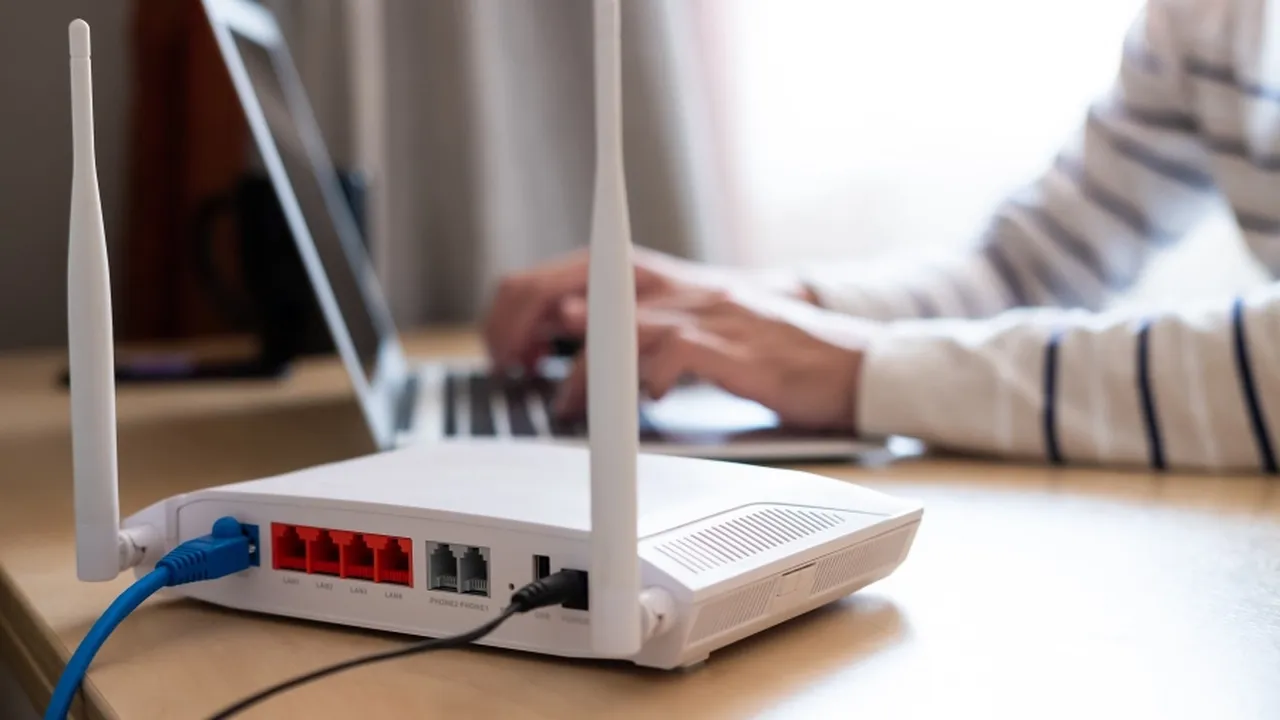
"How fast does my internet need to be?" is the most common Burmese TV APK question, and the honest answer depends on picture quality and how many people share your connection.
This guide gives practical speed targets and shows how to test and improve a connection that falls short. If your picture already freezes often, pair this with our buffering fix guide.
You can get the file and the full feature list from the Burmese TV APK Download page.
As a working guide, standard-definition streams run comfortably from about 3 to 5 Mbps, HD needs roughly 8 to 15 Mbps of stable speed, and large-screen high-quality viewing benefits from 25 Mbps or more.
Stability matters as much as the headline number: a steady 10 Mbps beats a connection that swings between 5 and 50.
Your speed is shared by every phone, laptop, and television in the home. Two simultaneous HD streams plus downloads can overwhelm a plan that handles one stream easily.
Add up concurrent uses at your busiest hour, usually the evening, and size your plan for that moment.
Run a speed test on the same device and network you stream on, at the time you usually watch. Morning results flatter most connections.
Test again beside the router and beside the television; a big difference between the two points to a Wi-Fi coverage problem, not a plan problem.
Move the router higher and more central, keep it away from thick walls and metal, and connect the television by cable where possible.
On dual-band routers, the 5 GHz band is faster at short range while 2.4 GHz reaches further. Our data saving tips also reduce how much speed your viewing demands.
Upgrade when tests at the television, with a well-placed router, still fall below your quality target at peak hour.
Before upgrading, rule out router age: an old router can cap a fast plan.
Yes for one HD stream on a stable connection. It becomes tight when other people stream or download at the same time.
Evening congestion affects both your home network and your provider. That pattern points to shared bandwidth rather than an app problem.
Yes. A cable from router to TV removes Wi-Fi interference entirely and is the single most reliable streaming upgrade.
Conclusion
For most homes, a stable 15 to 25 Mbps connection runs Burmese TV APK in HD with room to spare.
Test at the television at peak hour, fix Wi-Fi placement first, and upgrade the plan only if the shortfall remains.
Download Burmese TV APKLearn how families use Burmese TV APK responsibly with viewing habits, device settings, and supervision tips for family-friendly Myanmar TV watching.

Save mobile data while watching Burmese TV APK with practical tips on stream quality, Wi-Fi use, background data, and viewing habits.

Improve Burmese TV APK picture quality with the right playback settings, display adjustments, and connection choices for phones, TVs, and Firestick.