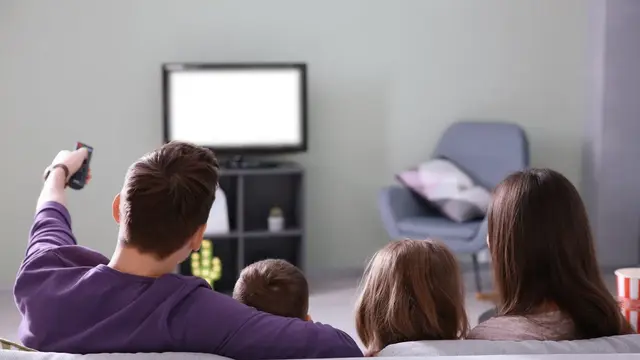
Burmese TV APK Parental Controls and Family Viewing Guide
Learn how families use Burmese TV APK responsibly with viewing habits, device settings, and supervision tips for family-friendly Myanmar TV watching.

Blog
Make Burmese TV APK run cooler and longer on your phone with battery, brightness, background app, and performance tips for long viewing sessions.
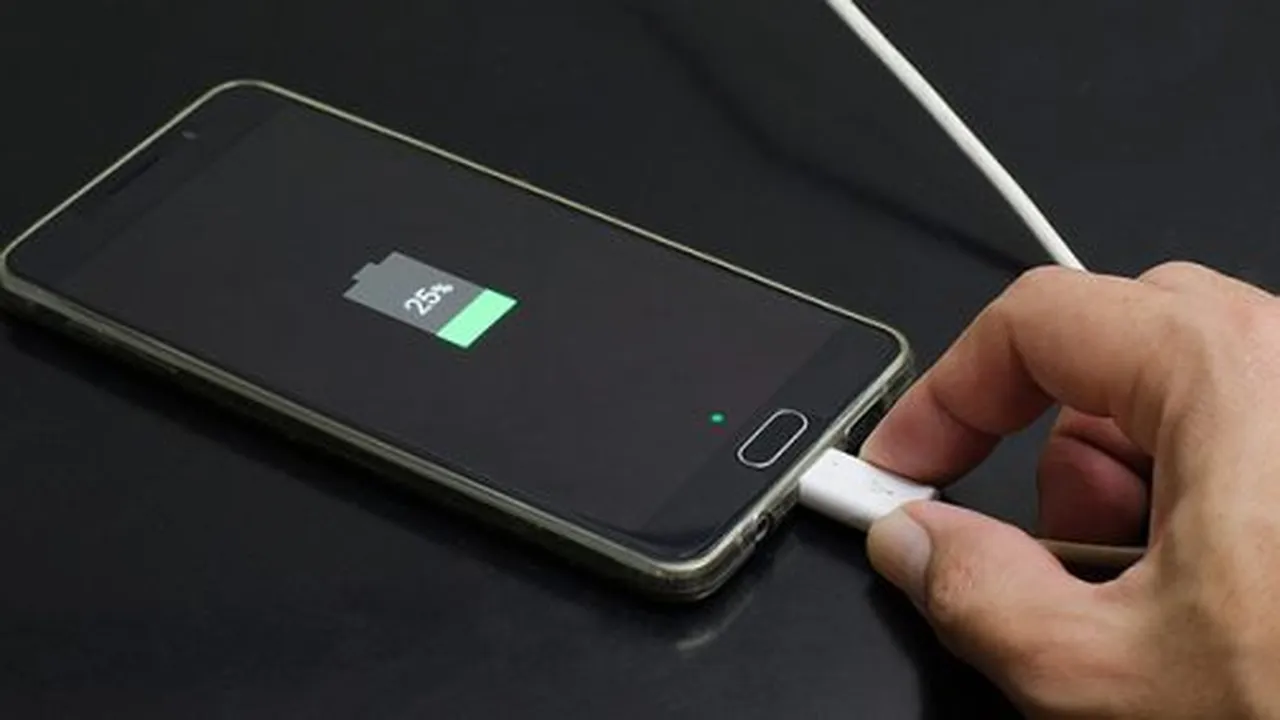
Live video is one of the hardest jobs a phone does: screen, processor, and network all work continuously. Long matches and movie nights can drain a battery and heat a phone quickly.
These tips extend viewing time and keep performance smooth, and they pair naturally with our data saving tips because the same habits often save both.
For a complete overview of the platform, visit the Burmese TV official site.
The screen is usually the largest battery consumer. Set brightness as low as comfort allows, especially indoors, and let auto-brightness work in changing light.
Dark room viewing needs far less brightness than most people set.
Other apps syncing, downloading, or playing in the background compete for processor and network, causing heat and stutter.
Close heavy apps before a long session and pause large downloads until you finish watching.
Battery saver extends life by limiting background work and sometimes performance, which can make streams less smooth. Use it for short sessions, not for a full match.
If you must use it while streaming, expect occasional quality drops and keep expectations realistic.
Heat slows phones down and ages batteries. Remove thick cases during long streams, keep the phone out of direct sun, and avoid charging with a fast charger while playing video if the device gets hot.
Resting the phone on a cool, hard surface helps more than holding it.
For stationary long viewing, watch while plugged into a standard charger: the phone runs from the wall and the battery stays still.
Use sound cables; a damaged cable causes slow charging that cannot keep up with streaming drain.
The screen, processor, and radio all work continuously during live video. Lower brightness, remove thick cases, and rest the phone on a cool surface to reduce heat.
It can. Battery saver limits performance and background network activity, so streams may drop quality. Use it for short viewing, not long events.
Yes for long home sessions, using a standard charger. It keeps the battery level steady instead of draining it.
Conclusion
Long, smooth Burmese TV APK sessions on a phone come from managing brightness, background apps, and heat rather than any single setting.
Apply these habits and your phone lasts the whole program comfortably.
Download Burmese TV APKLearn how families use Burmese TV APK responsibly with viewing habits, device settings, and supervision tips for family-friendly Myanmar TV watching.
Save mobile data while watching Burmese TV APK with practical tips on stream quality, Wi-Fi use, background data, and viewing habits.

Improve Burmese TV APK picture quality with the right playback settings, display adjustments, and connection choices for phones, TVs, and Firestick.