
Burmese TV APK Parental Controls and Family Viewing Guide
Learn how families use Burmese TV APK responsibly with viewing habits, device settings, and supervision tips for family-friendly Myanmar TV watching.

Blog
Fix missing or faulty sound on Burmese TV APK with checks for volume routes, Bluetooth, TV audio settings, and app playback problems.
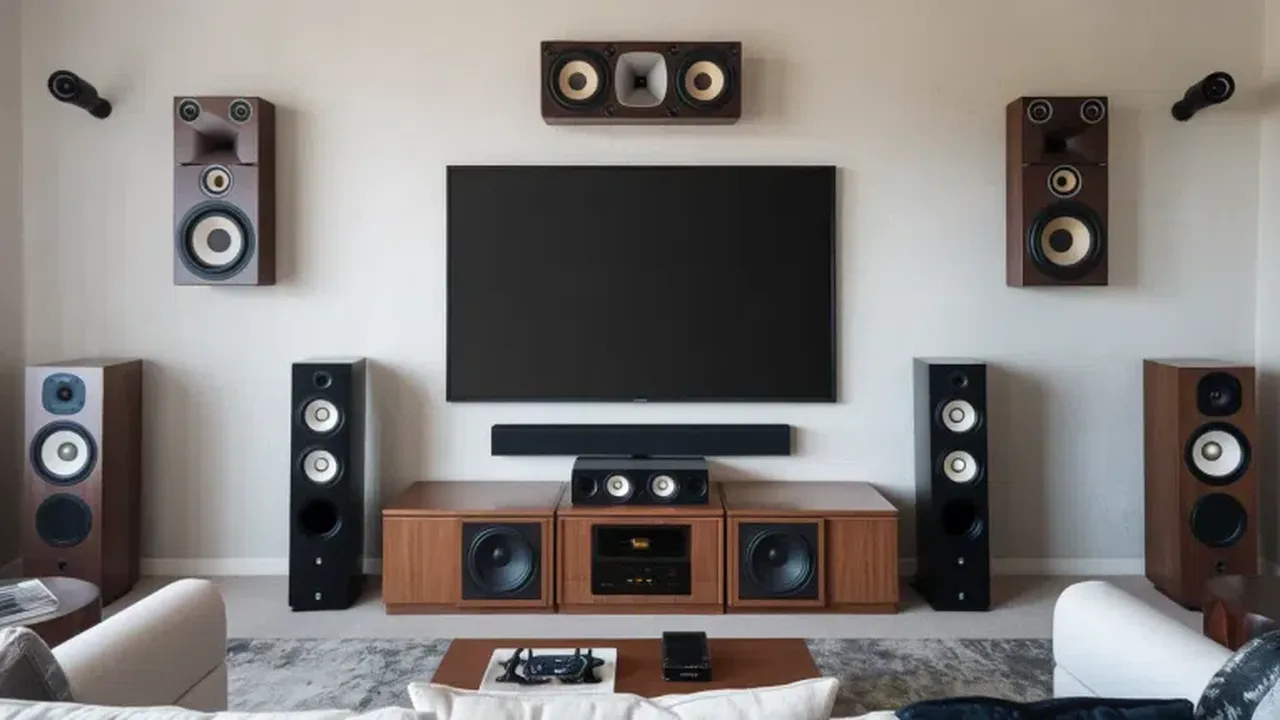
Picture without sound usually has a simple cause: the audio is going somewhere you are not listening, or one volume control in the chain is down.
Work through these checks from the device outward and sound normally returns within minutes.
You can get the file and the full feature list from the Burmese TV APK Download page.
Phones, apps, televisions, and soundbars each have their own volume. Any one of them at zero silences everything while the others look correct.
Raise each control deliberately: device volume, player volume, TV volume, and any external speaker volume.
A phone still connected to Bluetooth earbuds or a speaker in another room will happily play your program's sound there.
Turn Bluetooth off for one test, or explicitly select the correct output device in settings.
On Android TV and Firestick, check the TV sound mode and output: PCM stereo is the most compatible choice when surround settings produce silence on some channels.
Our settings guide pairs these audio checks with the matching picture adjustments.
Test another channel: one silent channel with others working points to the broadcast. If every channel is silent, restart the app and the device.
Also confirm the device is not in a silent or do-not-disturb mode that mutes media.
Persistent silence on one device while another works fine suggests a device audio fault or a damaged speaker or cable.
Swap HDMI cables and ports on TV setups before assuming the app is at fault.
A single silent channel usually has a broadcast audio problem. Wait and retry it later; your settings are fine if other channels play sound.
Your device is still connected by Bluetooth to those earbuds. Disconnect them or switch the audio output to the device speakers.
PCM stereo output is the most compatible across channels and apps. Surround modes can produce silence with some broadcasts.
Conclusion
No-sound problems on Burmese TV APK almost always trace to a volume control, a Bluetooth route, or a TV audio mode.
Check them in order and audio returns without reinstalling anything.
Download Burmese TV APKLearn how families use Burmese TV APK responsibly with viewing habits, device settings, and supervision tips for family-friendly Myanmar TV watching.

Save mobile data while watching Burmese TV APK with practical tips on stream quality, Wi-Fi use, background data, and viewing habits.

Improve Burmese TV APK picture quality with the right playback settings, display adjustments, and connection choices for phones, TVs, and Firestick.