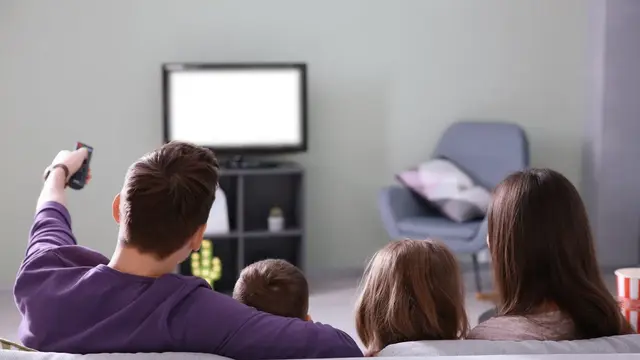
Burmese TV APK Parental Controls and Family Viewing Guide
Learn how families use Burmese TV APK responsibly with viewing habits, device settings, and supervision tips for family-friendly Myanmar TV watching.

Blog
Use Burmese TV APK on an Android tablet for a bigger, more comfortable picture than a phone, with setup, stand, and viewing tips.
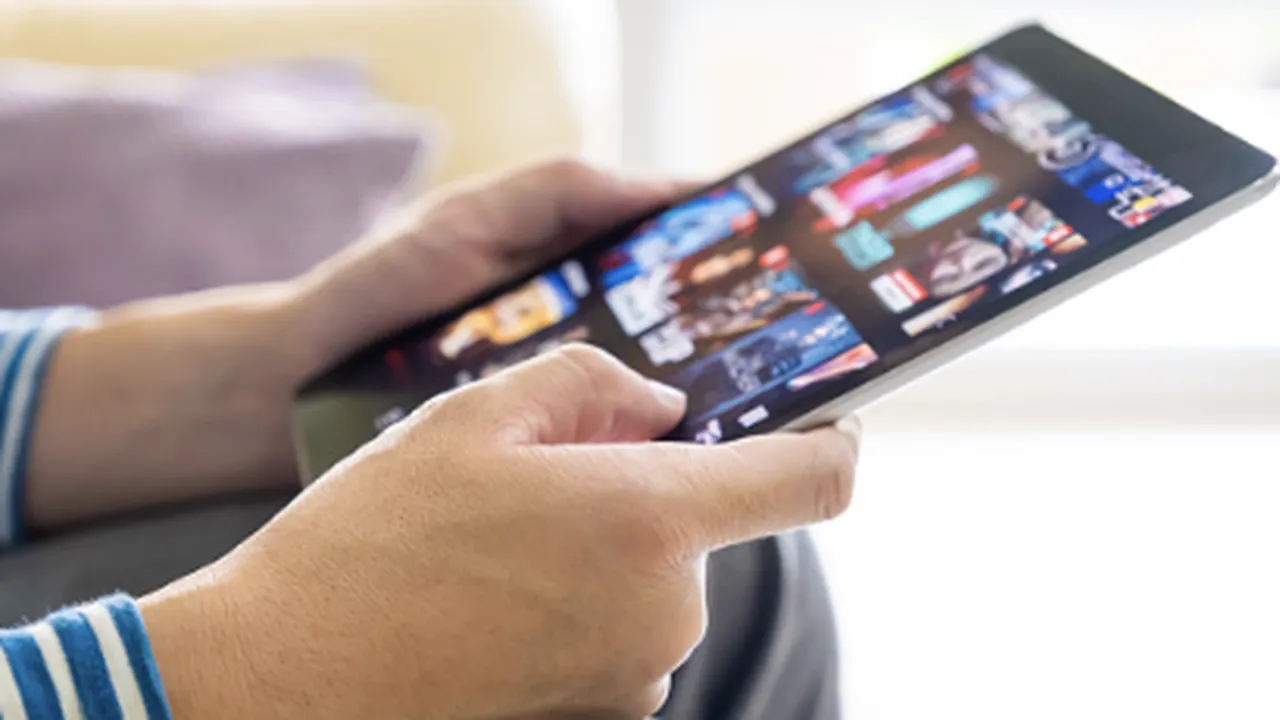
A tablet is the in-between screen many viewers overlook: much bigger than a phone, more portable than a television, and perfect for personal viewing in bed, in the kitchen, or while traveling.
This guide covers setting up Burmese TV APK on an Android tablet and getting the most from the larger display. General device support is listed in our system requirements guide.
The Burmese TV APK page brings together the download, the features and the latest version details in one place.
Tablet screens, usually 8 to 11 inches, show television detail a phone crops away, while the device stays light enough to hold or prop anywhere.
Battery capacity is also larger than most phones, which suits long broadcasts and match days.
Installation follows the same steps as a phone: download the APK, allow installation permissions, and launch. The download and install guide walks through each step.
Use the tablet's full storage rather than a slow memory card for the smoothest performance.
A simple folding stand transforms tablet viewing: hands-free, correctly angled, and at eye level. Landscape orientation fills the screen for television content.
Tablet speakers vary; a small Bluetooth speaker or headphones dramatically improve dialogue and sports atmosphere.
At home the tablet moves room to room, solving the second-television problem. While traveling it becomes a Myanmar TV screen anywhere with Wi-Fi.
Remember our data saving guidance on mobile connections, and prefer hotel or home Wi-Fi for long sessions.
Choose the phone for pockets and short checks, the tablet for personal long-form viewing, and the TV for shared watching.
Most households end up using all three across a week, which is exactly the flexibility streaming provides.
It works on Android tablets meeting the same requirements as phones, including a supported Android version and enough free storage.
For most viewers, yes. The larger screen shows wide sports shots properly, and the bigger battery lasts through long events.
Comfortably, at close range with a stand and headphones splitter or a small speaker. For groups, cast or use a television instead.
Conclusion
An Android tablet may be the most comfortable personal screen for Burmese TV APK: big picture, long battery, and total portability.
Add a stand and decent sound and it rivals far more expensive setups.
Download Burmese TV APKLearn how families use Burmese TV APK responsibly with viewing habits, device settings, and supervision tips for family-friendly Myanmar TV watching.
Save mobile data while watching Burmese TV APK with practical tips on stream quality, Wi-Fi use, background data, and viewing habits.
Improve Burmese TV APK picture quality with the right playback settings, display adjustments, and connection choices for phones, TVs, and Firestick.