
Burmese TV APK Parental Controls and Family Viewing Guide
Learn how families use Burmese TV APK responsibly with viewing habits, device settings, and supervision tips for family-friendly Myanmar TV watching.

Blog
Understand recording and catch-up options around Burmese TV APK, including broadcaster catch-up services, schedules, and legal viewing habits.
Live television does not wait. When work, travel, or time zones make you miss a program, recording and catch-up options decide whether you see it at all.
This guide explains the realistic options around Burmese TV APK: what catch-up usually exists, how schedules help you plan, and what to expect from recording features on Android TV devices.
The Burmese TV for Android page covers the download and setup from the very start.
Catch-up means watching a program after its live slot through a replay or on-demand section provided by the broadcaster or service. Availability depends entirely on the channel.
News bulletins and flagship shows are the most commonly replayed content; many live events are not repeated.
The most reliable catch-up tool is a calendar. Note the broadcast times of your essential programs and build viewing around them, especially across time zones.
Viewers abroad should convert Myanmar broadcast times carefully; our abroad viewing guide covers the time-zone habits that help.
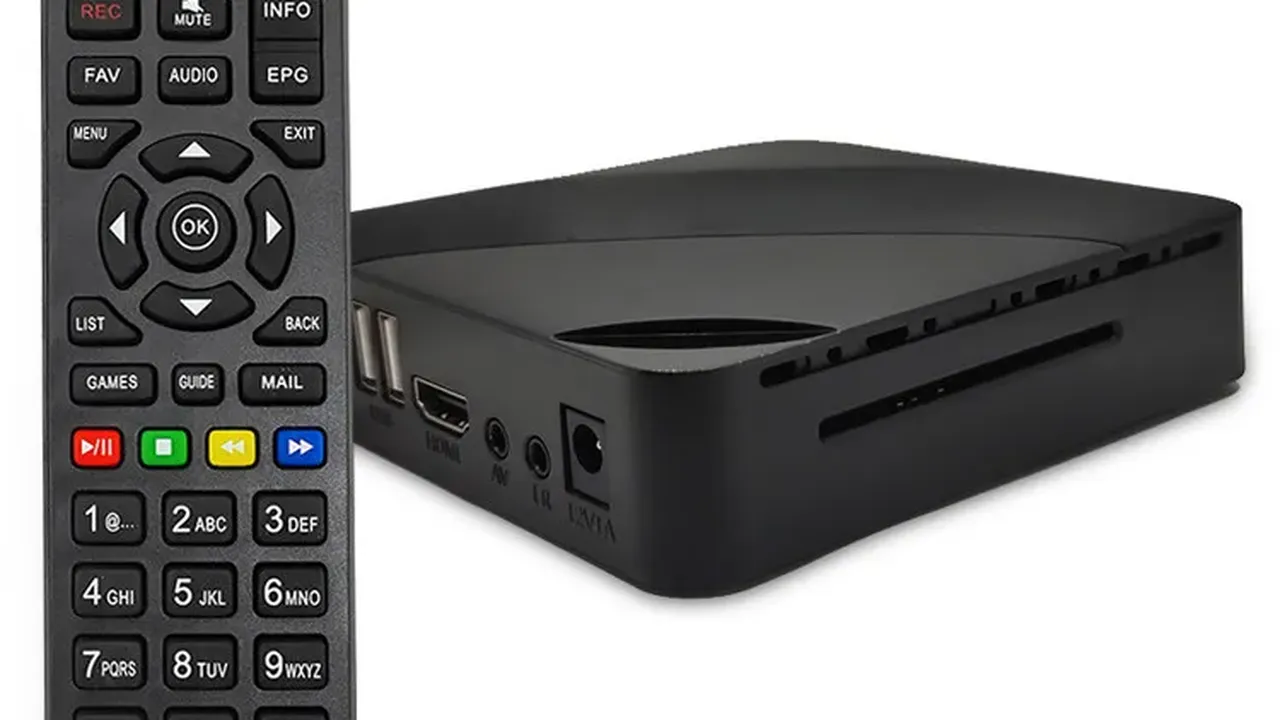
Some Android TV boxes and televisions offer recording to USB storage for their own tuner inputs. That hardware recording is separate from streaming apps and does not capture app streams.
Where a player or device offers a legitimate record or download option inside the app, use only that built-in route.
Check for a replay soon after broadcast; catch-up windows are often short. Watch flagship programs first because they expire earliest in many replay systems.
Following channel social pages also alerts you to repeats and special rebroadcasts.
No setting can recover a program that was never repeated or saved by any service. For truly unmissable live events, live viewing or a repeat broadcast are the only certain options.
Plan important viewing live whenever possible, particularly finals and one-off specials.
Recording depends on what the app and your device officially offer. Use only built-in options provided in the app or device; external capture of streams is not something we recommend.
Windows vary by channel and program, from a day to a few weeks. Check promptly after broadcast to avoid missing the window.
Track the schedule, set reminders in your local time, and watch live for one-off events. Catch-up works best as a backup, not the plan.
Conclusion
Recording and catch-up around Burmese TV APK reward a little planning: know the schedule, check replays early, and treat live viewing as the guarantee for big events.
With those habits, missed programs become rare exceptions instead of routine disappointments.
Download Burmese TV APKLearn how families use Burmese TV APK responsibly with viewing habits, device settings, and supervision tips for family-friendly Myanmar TV watching.

Save mobile data while watching Burmese TV APK with practical tips on stream quality, Wi-Fi use, background data, and viewing habits.

Improve Burmese TV APK picture quality with the right playback settings, display adjustments, and connection choices for phones, TVs, and Firestick.